
business · Published 29 September 2026 · Updated 11 October 2026 · 8 min read · Darius Setsoafia
How to Plan a Business Content Day That Gets Used
Plan a focused business content day that produces useful videos, photos and social posts instead of a folder of footage no one publishes.
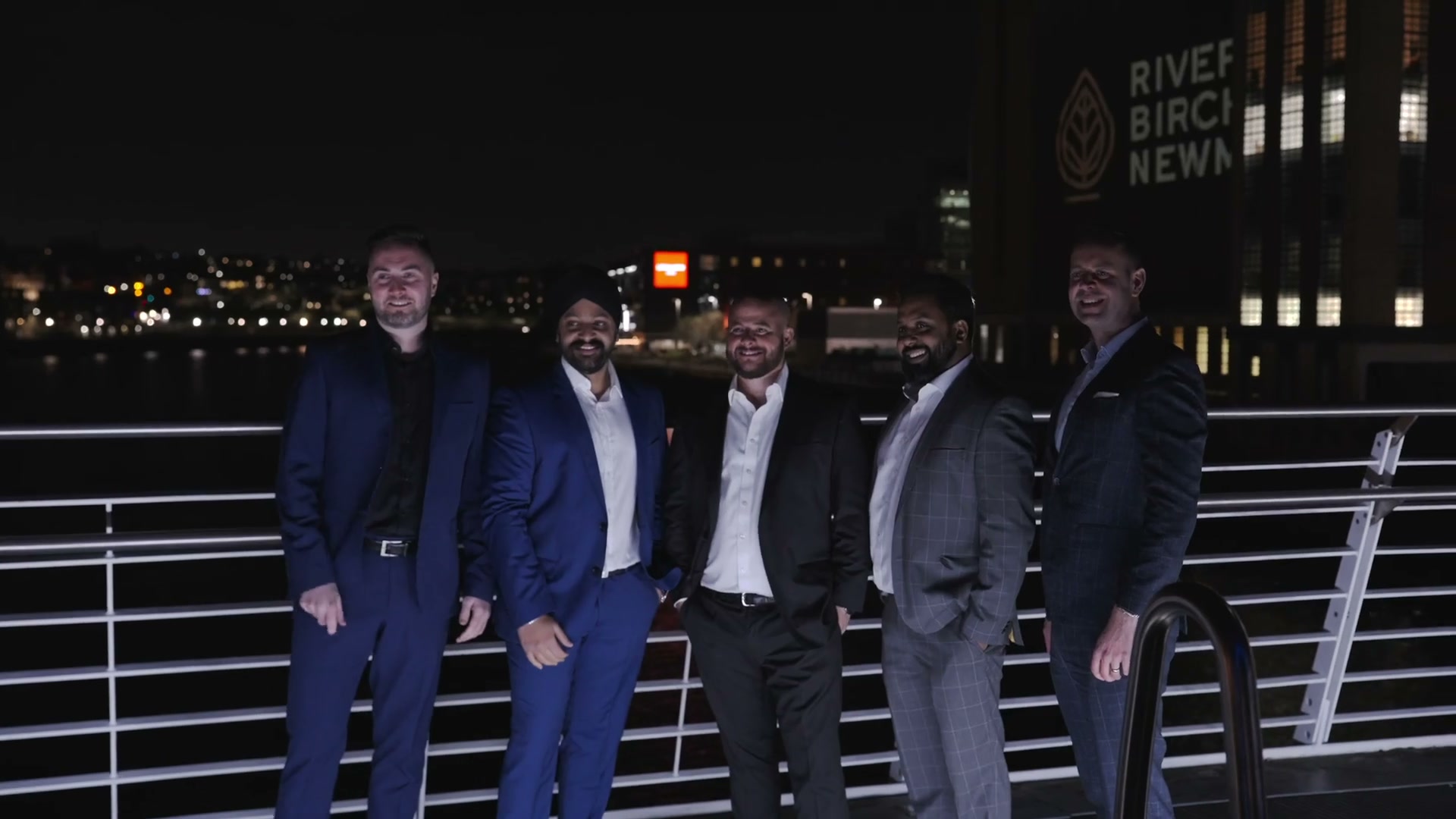
The best business content days are planned around the questions your audience actually asks, not around a camera schedule. Choose three to five useful themes, decide where each asset will be published, prepare the people involved and capture a deliberate mix of interviews, demonstrations, photographs and supporting footage.
The aim is not to come away with the most footage. It is to leave with a small, organised content library that your team knows how to use.
Why business content days often go wrong
Businesses usually do not struggle because they have nothing to say. They struggle because the shoot starts before anyone has decided what the content is for.
Without a clear plan, a content day can become a collection of unrelated clips: a few introductions, some generic office footage and several people saying that the company is “passionate” about what it does. The files may look fine, but the marketing team still has to work out what each one means, who it is for and where it belongs.
There is a second problem: nobody owns the publishing stage. A video can be well filmed and edited, but if no one has time to write the caption, add the call to action and schedule it, it will stay in a folder.
Start with the job the content needs to do. Is it helping a potential customer understand a service? Showing the people behind the business? Answering a concern before a sales call? Supporting recruitment? One shoot can serve several purposes, but each individual piece should have a clear job.
What should you decide before booking the shoot?
Write a short brief using these five questions:
- Who needs to see this content?
- What question or hesitation do they have?
- What do you want them to understand or do next?
- Where will they see it: your website, LinkedIn, Instagram, email or a sales presentation?
- Who will approve and publish it?
That last question is easy to miss. If the person approving the content is different from the person publishing it, include both people early. It prevents a finished batch from waiting for a decision that could have been made before filming.
Start with your customer reviews
If this is your first content day, begin by reading what customers have already said about you. Look at the good reviews, the disappointing ones and the details people mention without being prompted.
Positive reviews show you what customers value enough to talk about. If people keep mentioning a particular product, service or experience, that is a useful signal: make content that shows it properly. If customers love the sponge cake, do not bury it in a general video about the business. Give the sponge cake its own moment and explain what makes it worth coming back for.
Negative reviews can be just as useful. Look for patterns rather than reacting to one isolated comment. If people found it difficult to contact you, were unclear about what would happen next or had a poor experience with a particular process, make sure the business has addressed the issue before you film. Then use the content to show the improvement honestly: explain what changed, who it helps and what a customer can expect now.
This gives your content day a more credible purpose. You are not simply saying that the business cares about quality; you are showing the things customers already recognise and the changes you made after listening. Turn review language into interview questions, demonstrations and story ideas, but do not present private customer details without permission.
Build the day around a few content pillars
Three to five content pillars are usually enough for a focused session. They give the day structure without making every answer sound scripted.
| Content pillar | Useful questions to answer | Possible output |
|---|---|---|
| What you do | What problem do you solve? Who is it for? | A short service explainer |
| How you work | What happens after someone gets in touch? | A process or behind-the-scenes video |
| Who is behind it | Who should a customer expect to meet? | Team introductions |
| Proof and experience | What has changed for a client or customer? | A case-study conversation |
| Useful advice | What mistake can people avoid? | Short educational posts |
The strongest material often comes from the last two pillars. People are more likely to engage with a useful answer or a real experience than with a general statement about how good a business is.
This is also where your personality should come through. Do not ask everyone to repeat polished marketing language. Ask them what they explain most often, what clients misunderstand and what they wish people knew before making contact.
Prepare people without making them perform
Most people do not need a full script. They need to know what the conversation is about and what a helpful answer sounds like.
Before the shoot, send each contributor:
- the audience they are speaking to;
- the one or two questions they will answer;
- a few points they may want to mention;
- the approximate time available; and
- a reminder that the conversation can be restarted if an answer goes off track.
On the day, I prefer prompts over paragraphs. A natural answer usually has more warmth and detail than something read word for word. If a contributor gets stuck, ask them to explain it as if they were speaking to one customer across a table.
Also plan the practical details: quiet rooms, useful locations, clean backgrounds, appropriate clothing, branded materials and permission to film customers or staff. These small decisions make a noticeable difference to how confident people feel in front of the camera.
What should you capture on the day?
Capture the priority conversations first, while the contributors are fresh. Then build the visual material around what they have said.
For each main topic, plan for:
- one clear interview or explanation;
- supporting footage of the work being done;
- close details of tools, products or documents;
- natural interactions between the team and customers;
- photographs for websites, profiles and social posts; and
- a few quiet establishing shots to help editors join scenes together.
Think about the final destination while you film. A website explainer may need a wider, more considered frame. A social cutdown may need a vertical version with enough space for captions. If you know both are needed, agree that before the shoot rather than trying to rescue every format afterwards.
Do not turn this into a race to collect clips. A small number of intentional shots is more useful than hours of footage that all look the same.
How do you turn one shoot into a month of content?
Begin with a simple content map. Give every planned asset a name, audience, channel, owner and next step. Then create a publishing sequence that feels like a conversation rather than a random collection of posts.
For example:
- Introduce the problem your business helps with.
- Share a practical answer to a common question.
- Show the people and process behind the answer.
- Share a customer example or lesson.
- Invite people to ask a follow-up question or make an enquiry.
The finished package might include a main website film, shorter answers, team photographs and supporting images. The exact number depends on the brief and on how much your team can realistically publish. More files are not automatically more value.
Before the shoot, decide who will write captions, add links, schedule posts and respond to replies. Ask for the final files in a structure that makes sense: named folders, clear versions and a short note explaining where each asset is intended to be used.
Our corporate video versus social content guide explains how to choose the right balance between one durable film and a regular stream of posts. If you are preparing your first session, the corporate video shoot checklist covers the practical details to settle in advance.
A useful brief for your production team
Give your videographer or production company:
- the audience and business goal;
- the three to five content pillars;
- the channels and formats you need;
- the people, locations and products available;
- examples of the tone you want to sound like;
- the must-have questions or messages; and
- the approval date and person responsible for sign-off.
This gives the production team room to bring ideas while keeping the work connected to the business. It also makes it easier to spot when a proposed shot looks attractive but does not help the audience understand anything.
My advice from filming businesses
In my experience, a good business content day feels more like a guided conversation than a performance. The most useful answers are often the ones that happen when someone stops trying to sound like a brand and starts explaining the work in their own words.
That is why I would rather film a real process, a thoughtful answer or a customer conversation than fill the schedule with generic shots of people typing at desks. Viewers can tell when a piece of content has been made to say something useful and when it has only been made to look busy.
Business content day checklist
Before you film, check that you have:
- a defined audience and purpose;
- three to five content pillars;
- questions prepared for every contributor;
- a publishing owner and approval route;
- locations, permissions and practical details confirmed;
- a list of required formats and destinations; and
- a plan for naming, reviewing and using the finished assets.
If you can answer those points, you are ready to plan a content day that supports the business beyond the day of filming. If you cannot, spend a little more time on the brief first. It will save time in the edit and make the final content much easier to use.
If you want help planning a focused session, DS Media’s Business Content Starter is built around useful films and photographs for a business’s website and social channels. The right scope depends on your audience, team and publishing plan, so start with the questions you need the content to answer.
Plan your next step
Written by
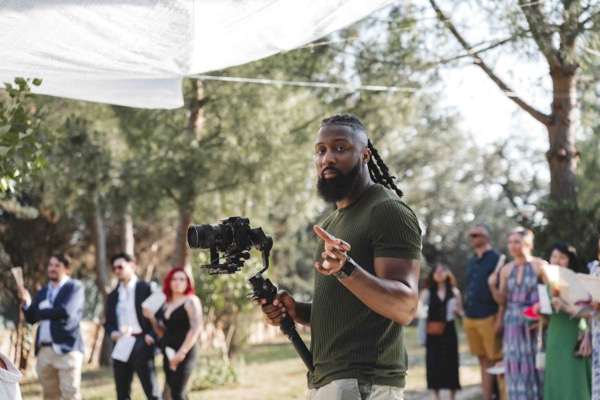
Darius Setsoafia
Darius is the founder of DS Media — a Newcastle-based video production company specialising in corporate films, conference coverage, and event documentation across the North East and beyond. He has spent over six years working with brands, venues, and organisations to document stories worth sharing.
About Darius →